Your settings and games stay on this device. Move them to another device.
Daily Color by Number
Monday, October 12, 2026
65 of 65 spaces left · Roses
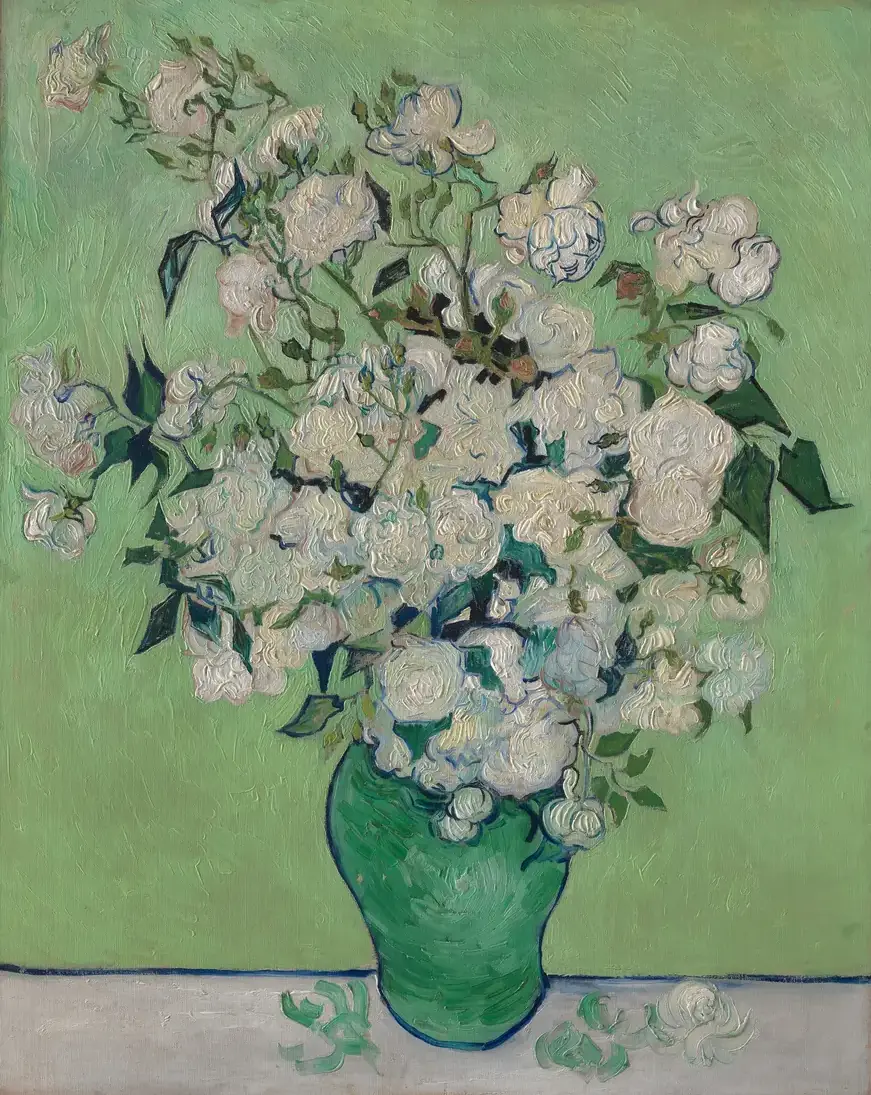
Painting: Vincent van Gogh, Roses, 1890. The Metropolitan Museum of Art, Open Access (CC0).
You finished today's Color by Number!
A new Color by Number is ready at midnight. Get a reminder: add to your calendar or Google Calendar.
Moves 0 Time 0:00 Won 0 of 0 Best none yet
Your daily calendar
The calendar marks the days you've played on this device. Choose a day to play its puzzle.
Get a daily reminder
Add a reminder to your calendar, and it will tell you each morning when new puzzles are ready. It's set for 9am; you can change the time or remove it in your calendar at any time. We don't ask for your email.
How to play Color by Number
Bring a famous painting back to life, one color at a time. Every space in the picture has a number, and every number has its color in the strip under the picture.
- Tap a color to choose it. Its spaces are shaded grey, so you can see where it goes.
- Tap a shaded space to color it. A space only takes its own color: if you tap a different number, it tells you which number that space needs.
- When a color is finished, it gets a tick and the next color is chosen for you.
- Small spaces? Choose Zoom in, then scroll or drag the picture to move around. "Find one" outlines the next space for your color.
- "Show the painting" puts the original painting in place of your coloring, to compare. Tap the picture or choose it again to go back.
Choose any picture from the list under the game. Your coloring is saved on this device for each picture, and there is no time limit. The daily picture is the same painting for everyone, and changes at your midnight.
Keyboard
Tab to the picture, then the arrow keys move between the spaces for your color and Enter colors one. ] and [ choose the next or previous color, + and − zoom, H finds a space, and Ctrl+Z undoes.
Questions
How do I color a space?
Choose a color at the bottom of the picture. Each color has a number. Then tap every space with that number. A space only takes its own color, so you can't color one wrongly.
The spaces are small. Can I make them bigger?
Yes. Choose Zoom in, as many times as you like, then scroll around the picture. The spaces for your color are shaded grey, and Find one outlines the next one for you.
Where do the pictures come from?
They are public-domain paintings and prints from The Metropolitan Museum of Art's Open Access collection. When you finish, Show the painting lets you compare your picture with the original.
Can I print a picture to color with pencils?
Yes. The printable page has each picture as a numbered outline, with a color key.